
The App Guide
Every screen, every gesture, every trick. A tour of ReelOnes from the first swipe to your next movie night.
Every screen, every gesture, every trick. A tour of ReelOnes from the first swipe to your next movie night.
The app's controls, always one tap away
Your movie world, from first spark to movie night
Start here
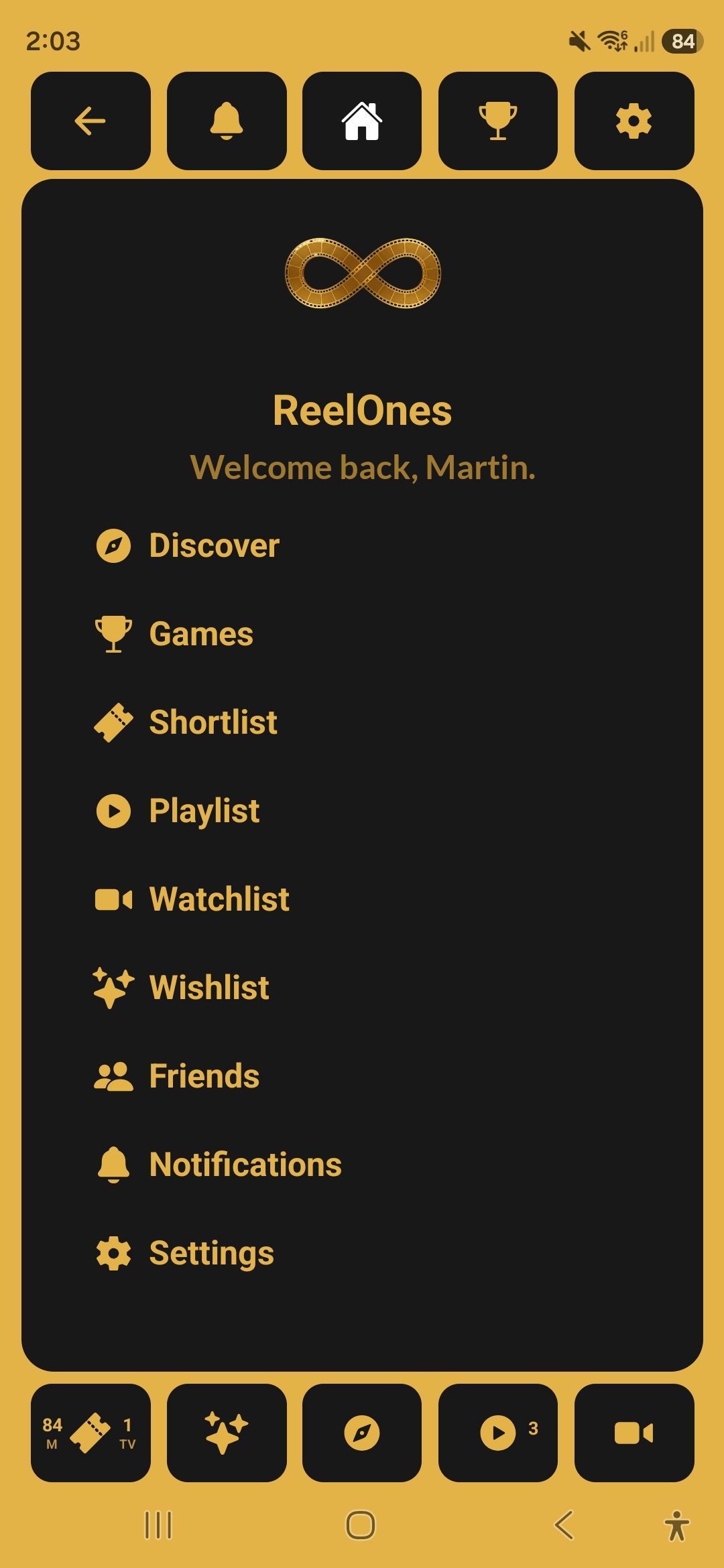
Your main hub. A "Watch Next?" card suggests something from your lists, with a shuffle button to reroll it, and Recent Matches shows the titles you and your friends have most recently agreed on. Below that, nine tiles link to the rest of the app: Discover, Games, Playlist, Shortlist, Watchlist, Wishlist, Friends, Notifications and Settings, each showing a live count or status. Both navigation bars stay visible at the top and bottom of the screen.
Find something great
Your starting point for finding movies and TV shows. Use the toggle in the top right to switch between Movies and TV Shows, then choose what to browse: For You, Trending Now, New Releases (New Shows for TV), Top Rated, Upcoming, Genres, or your Watchlist.
The main event. Swipe right to like something and it gets added to your Shortlist. Swipe left to pass. If you're browsing Upcoming content, swiping right adds it to your Wishlist instead. The front of the card shows the poster, rating, year, runtime and genre chips, with a Play Trailer button underneath when a trailer is available. Tap the card to flip it for the full details. Swipe up to reveal your Shortlist controls, and swipe down to peek at your current filters.
Tap any card to flip it and see everything available for that title. This can include the synopsis, top cast with character names, director, revenue, budget, streaming availability, and trailer. Not every title has all of this information, so only what's available is shown.
Set your preferences once and they apply across discovery and swiping. Eight filters per content type, set independently for Movies and TV Shows using the toggle in the top right: Movie Ratings (Show Ratings for TV), Min Reviews, Release Year, Blocked Genres, Age Rating, Availability (streaming service), Language, and Adult Content. Each tile shows its current setting underneath. There's no Apply step: changes are saved as you make them and stay saved between sessions. Reset All puts everything back to the defaults.
This is the heart of ReelOnes. Build a playlist from your lists or create a custom one from scratch, then send it to a friend. They swipe through your picks at their own pace and choose what they genuinely want to watch. Any titles you both like become a match. Three tabs keep everything organised: Matched (mutual likes with a friend), Received (playlists friends have sent you), and Sent (playlists you've shared). Playlists are grouped by friend, and the tab label carries a count when there's something new waiting.
The moment the whole app is built around. When you and a friend both like the same title, the match card appears over a shower of gold film reels, with the poster raised under a heart medallion and the pair of you named underneath. From here you can send the match straight to your friend so it lands in their Matched tab, or carry on swiping to see how many more you can find. Every match you send is kept, so you can always come back to the Playlist screen and look through everything the two of you have agreed on.
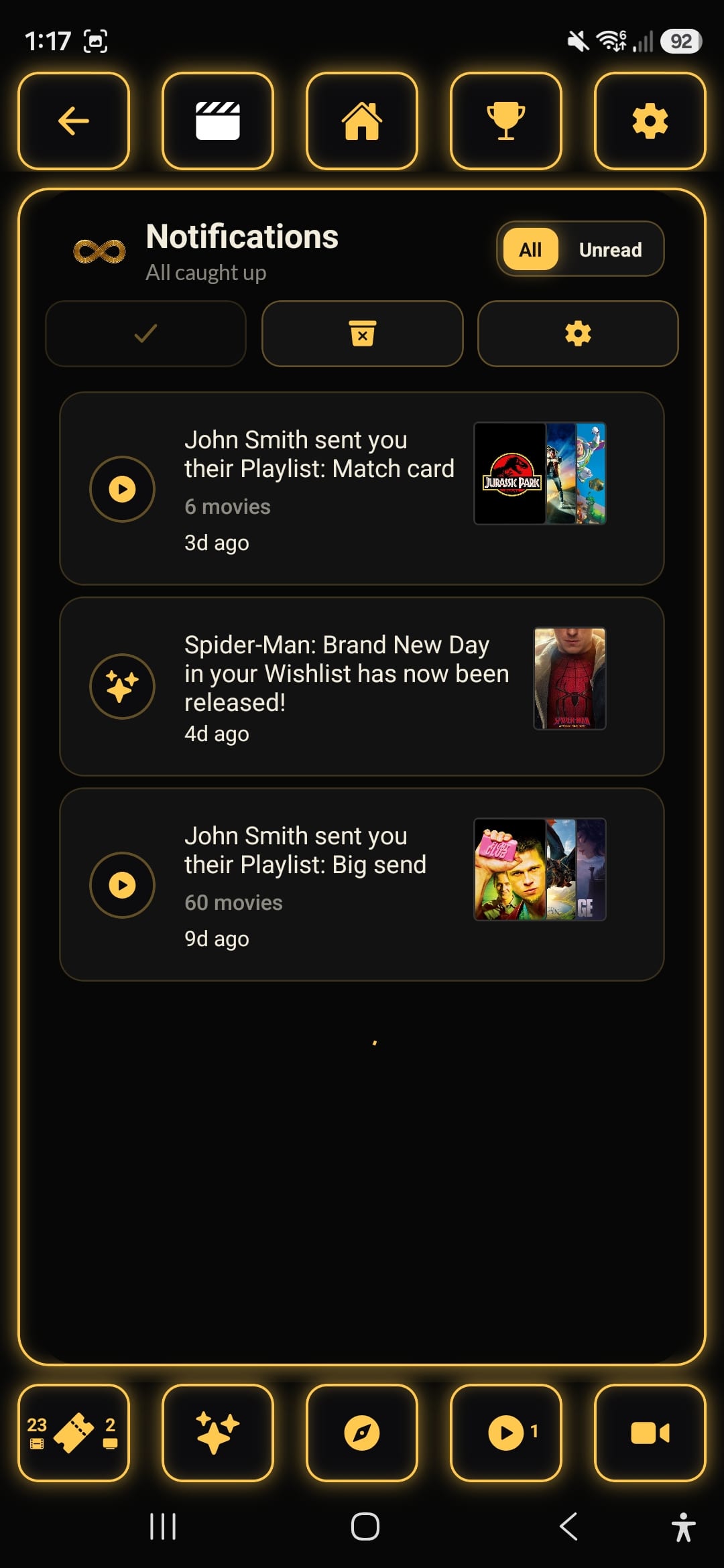
Everything that has happened while you were away, newest first. Playlist alerts tell you who sent you what and how many titles are in it, and Wishlist alerts let you know when something you were waiting for has been released, each one carrying the poster art so you can recognise it at a glance. Switch between All and Unread with the toggle in the top right. Three chips sit underneath: mark everything as read, clear the list, and jump to your notification settings.
Your collection
Three homes for three kinds of intent: watching soon, keeping forever, and waiting for release day.
This is where you manage your lists. Create separate named collections however you like, whether that's your favourite romcoms, highest rated thrillers, feel good movies for a rainy day or binge worthy box sets, and each one appears as its own cover on the Watchlist screen. Open a list to search, sort and filter it, switch between grid and list views, or send the whole thing to a friend as a playlist.
A single quick pick list for things that catch your eye while swiping. Think of it as your "watching soon" shelf: every right swipe lands here, with the year and rating under each poster. Move items into one of your watchlists when you're ready to commit, or send the Shortlist straight to a friend.
For movies and shows that haven't been released yet. Each item shows its release date and a countdown to the day it lands, and you get a notification when it does. Once something is out it stays in your Wishlist with a "Released" badge until you move it into one of your watchlists.
Know thyself
A dashboard of your taste built entirely from your swipe history, reached from Settings → Analytics. Swipe through the pages to see your favourite genres, directors and actors, the quality threshold below which you rarely like anything, your favourite decades, runtime tendencies, popularity bias, taste evolution, budget sweet spot, box office success rate, guilty pleasures, runtime by genre, your loyalty badge, and which friend you match with most. Use the toggle at the top to switch between Movies and TV Shows. It's all generated automatically as you swipe, with no setup needed, and the same data powers the "For You" mode on Discover.
Between movies
Your home for movie trivia and challenges. Three tiles across the top show your current tier and XP, your Boosts, and your daily streak. Below them sits the rotating Daily Challenge, worth a 4x XP bonus the first time you complete it each day, then Play with Friends and Play Solo, and a preview of the friends leaderboard. Tiers run from Novice through Amateur, Professional and Expert to Master, with three levels in each rank below Master.
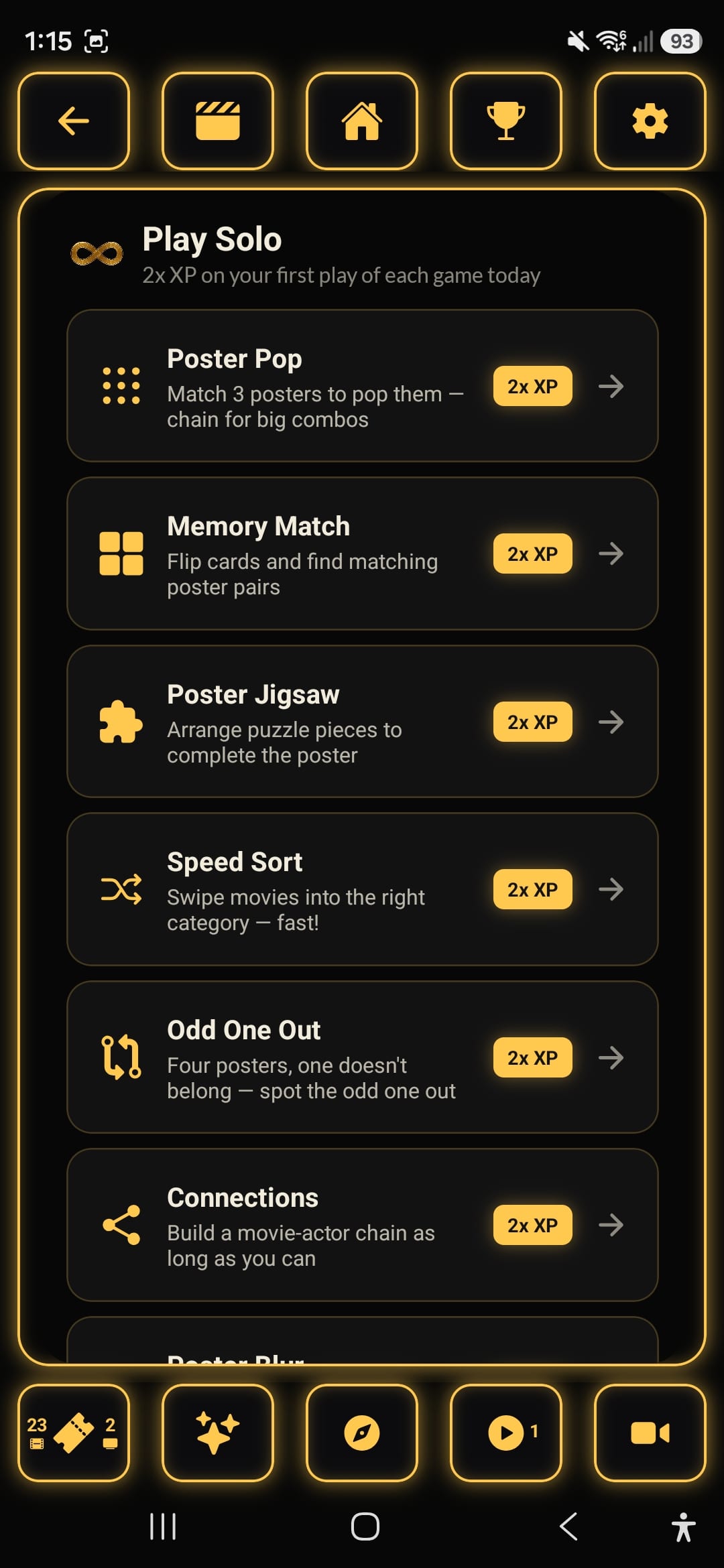
The full list of 16 solo game modes, each with a one-line description of what it asks of you: Poster Pop, Memory Match, Poster Jigsaw, Speed Sort, Odd One Out, Connections, Poster Blur, Rapid Fire, Higher or Lower, Perfect Pairing, Rank It, Guess the Movie, Movie Hangman, Plot Twist, Scene It and Timeline. Any game you haven't played yet today carries a 2x XP badge; once you've played it, the badge is replaced by the star rating you managed today.
Each mode tests your movie knowledge differently. Connections, shown here, gives you a movie and asks who starred in it: pick the right face from four actors and the chain continues, with a links counter and an XP multiplier at the top that both grow the longer you keep the chain alive. Elsewhere you'll be identifying movies from blurred posters, guessing titles letter by letter, ranking movies by rating, spotting co-stars from a lineup and more. Your best scores all feed your overall XP and tier.
See how you stack up against your friends. The leaderboard ranks players by XP and shows each player's tier, so you can track who's climbing fastest. Expand any friend's row to compare stats and challenge them directly in a Head to Head match.
How well do you know your friends' taste? Pick a tier, choose 10 titles from either Movies or TV Shows that you think a friend would like, then send the challenge and see how many match their own picks. The five tiers are Warm Up, Getting Close, Friends, Besties and ReelOnes, each needing more matches than the last before the next one unlocks. Two tabs keep things organised: Sent challenges you're waiting on, and Received challenges waiting for your response.



The whole point
Sharing & Matching